Key Takeaways
- Your page usually isn't cited in AI answers because it fails one of four gates: the engine's crawler can't reach it, the page isn't indexed, the question never triggers an AI answer, or the page has no self-contained answer to quote. Check them in that order; the first failure is your fix.
- The six steps take about 20 minutes and need only free tools: your robots.txt, Google Search Console, Bing Webmaster Tools and the AI engines themselves.
- Steps 1 and 2 are about access, steps 3 and 4 about the competition, and steps 5 and 6 about your content. A better answer block does nothing while a crawler is blocked.
- Google says there are no special optimizations necessary for AI Overviews beyond being indexed and eligible to show with a snippet, so a failing step is usually access or content, not markup.
- This finds the failing step. It does not guarantee a citation, and no engine documents a way to guarantee one.
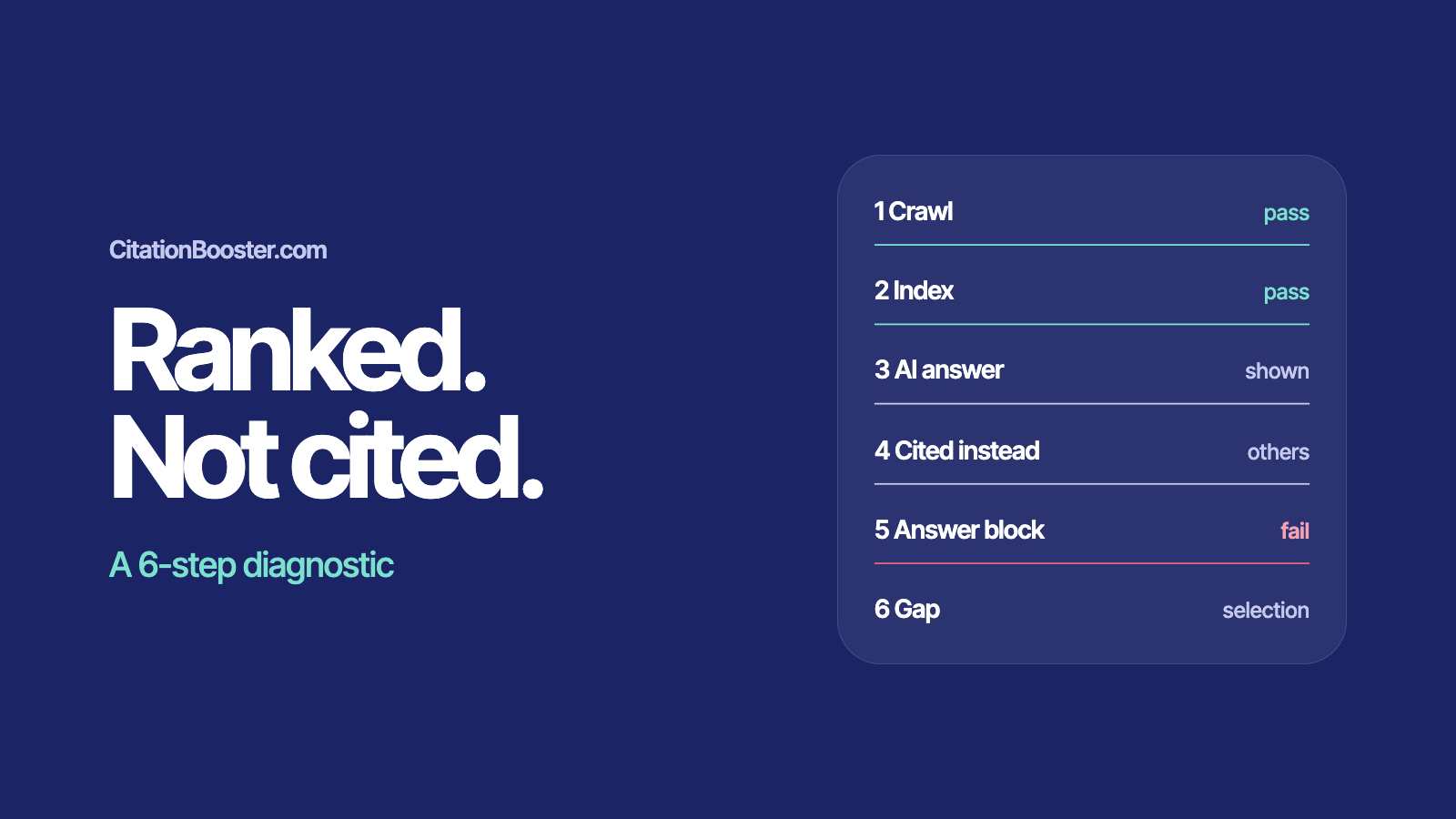
Why isn't my page cited in AI answers?
A page goes uncited when it fails one of four things: a crawler is blocked, the page is not indexed, the question shows no AI answer, or the page holds no self-contained answer an engine can quote. Ranking well skips none of them. Run the six checks below in order and fix the first one that fails.
You can run every check in about 20 minutes with free tools. Each step gives you a check to run and what a pass and a fail look like, so you know which step to fix before you rewrite anything.
Step 1: Can the AI crawlers reach my page?
Each engine that answers from the web sends its own crawler, and each is controlled through robots.txt. Google says robots.txt directives for Googlebot are the control for how its sites are crawled for Search. OpenAI says OAI-SearchBot is used to surface websites in ChatGPT's search features and recommends allowing it. Perplexity says PerplexityBot is designed to surface and link websites in its results and recommends allowing it. Anthropic says Claude-SearchBot navigates the web to improve search result quality.
Check. Open yoursite.com/robots.txt. For each of Googlebot, OAI-SearchBot, PerplexityBot and Claude-SearchBot, look for a Disallow rule that matches your page's path, either under a User-agent line naming that crawler or under User-agent: * if it isn't named.
Pass. No Disallow rule matches the page for any of the four.
Fail. A rule such as Disallow: / covers the page for one or more of them. Remove or narrow it. OpenAI says it can take about 24 hours after a robots.txt update for its systems to adjust, so re-check the next day.
Training crawlers are separate agents: OpenAI describes GPTBot as the one used to make its foundation models more useful and safe, and Anthropic describes ClaudeBot as collecting content that could contribute to training. Blocking one of those is a separate decision from blocking a search crawler. If robots.txt is clean and you still suspect a block, ask your host whether a firewall or bot-protection rule challenges these user agents. That is a possibility to rule out, not something the engines document.
Step 2: Is my page in the index the engines draw on?
Google says a page must be indexed and eligible to be shown in Google Search with a snippet to appear as a supporting link in AI Overviews or AI Mode. For ChatGPT, OpenAI says ChatGPT search uses third-party search providers and names Bing among them, so Bing's index is worth checking as well.
Check. In Google Search Console, paste the URL into URL Inspection. Then do the same in Bing Webmaster Tools' URL Inspection, which shows when the URL was discovered, crawled and indexed.
Pass. Google shows "URL is on Google" and Bing shows an index entry with a crawl date. Google adds that this status doesn't guarantee the page will appear in Search results, so treat it as necessary, not sufficient.
Fail. Google shows "URL is not on Google", which it says means the URL won't appear in Search results, or Bing shows no index entry. Open the Page Indexing section in Search Console to see why. Look for a stray noindex tag first: Google says blocking indexing with noindex is how a page is kept out of Google, and that robots.txt is not. For Bing, submit your sitemap and use the URL Inspection tool to request indexing.
Step 3: Does my query show an AI answer at all?
No AI answer, no citation. Before you change anything on your page, confirm the question you care about triggers one.
Check. Run your target question in a private window in Google, in ChatGPT with search turned on, and in Perplexity. Use the words a customer would use, and try three variations of the same question.
Pass. At least one engine returns an AI answer that lists its sources. Note which one, and keep the answers to hand for steps 4 and 6.
Fail. No engine shows an AI answer for any variation. There is nothing to be cited in yet. Pick a related question that does trigger one, or accept that this query doesn't send AI traffic.
Step 4: Who is cited instead of me?
Check. For each AI answer from step 3, list every source it cites: the domain, the page type (guide, forum thread, documentation, vendor page) and the passage it seems to draw from. Do it for all three variations.
Pass. Your page is among the cited sources on at least one engine. You don't have a citation problem for that question on that engine, so check the others.
Fail. You are absent, and the list shows what the engine chose instead. Write down what those pages share that yours lacks: a direct definition, a numbered process, a table, newer data, a named author.
Step 5: Does my page have an answer an engine can quote?
No engine documents a required format, and Google says no special optimizations are necessary, so treat this step as a rule of thumb from checking real answers, not a rule. An answer that makes sense on its own is easier to quote than one that depends on the text around it.
Check. Find the heading on your page closest to the question, and see whether it is worded as a question. Then read only the paragraph under it, out of context. Does it answer in roughly 40 to 60 words, without leaning on "as above", "this" or a link to do the work?
Pass. A stranger reading only that paragraph would get the answer.
Fail. The answer sits three paragraphs down, is split across sections, or needs the introduction to make sense. The glossary calls this an extraction gap: the content is on your page but can't be lifted as a self-contained passage. Rewrite the first paragraph under the heading as the complete answer, and put the detail after it.
Step 6: Is it a selection gap or a citation gap?
Two terms from the CitationBooster glossary separate the last two failures, both defined for Google's AI Overview. A selection gap is when a page ranks for a query but the Overview doesn't choose it as a source: visible in the results, missing from the answer. A citation gap is a point your page makes that the Overview skipped even though it cites your page: the page earned a slot, but that point didn't earn a mention.
Check. Open the Google AI Overview for your question from step 3. Is your page among its cited sources? Then read the Overview against your page and note which of your page's points it skips or takes from another source. To see whether you rank for the query, open the Performance report in Search Console, where Google says sites appearing in AI features are included in overall search traffic, and filter by the query.
Pass. Your page is cited and the Overview covers its main points, or there is no gap left to close.
Fail, selection gap. You rank for the query, but the Overview doesn't cite your page. Go back to steps 4 and 5: compare the passage that was cited with yours, and check whether yours can be quoted on its own.
Fail, citation gap. The Overview cites your page, but skips a point you make or takes it from another source. Give that point its own question-shaped heading and a self-contained paragraph, with the figure and its source right beside it.
What should I fix first?
Fix the earliest failing step, then re-run from that step. The order matters because each step depends on the one before it:
- Steps 1 and 2 fail: fix access. Nothing else counts until the crawler can reach the page and the page is indexed.
- Steps 3 and 4 fail: change the question you target, or study what the cited pages do differently.
- Steps 5 and 6 fail: rewrite the answer block, then re-check the gap.
Expect a delay after every fix. Passing all six steps doesn't guarantee a citation. It removes the causes you can control.
Where does CitationBooster fit?
Steps 1 to 3 you can run with free tools. Steps 4 to 6, seeing who is cited, comparing your page with theirs and finding the gap, are what CitationBooster automates. Today it does that for Google AI Overview; support for ChatGPT and Perplexity is in progress. See how the platform works.